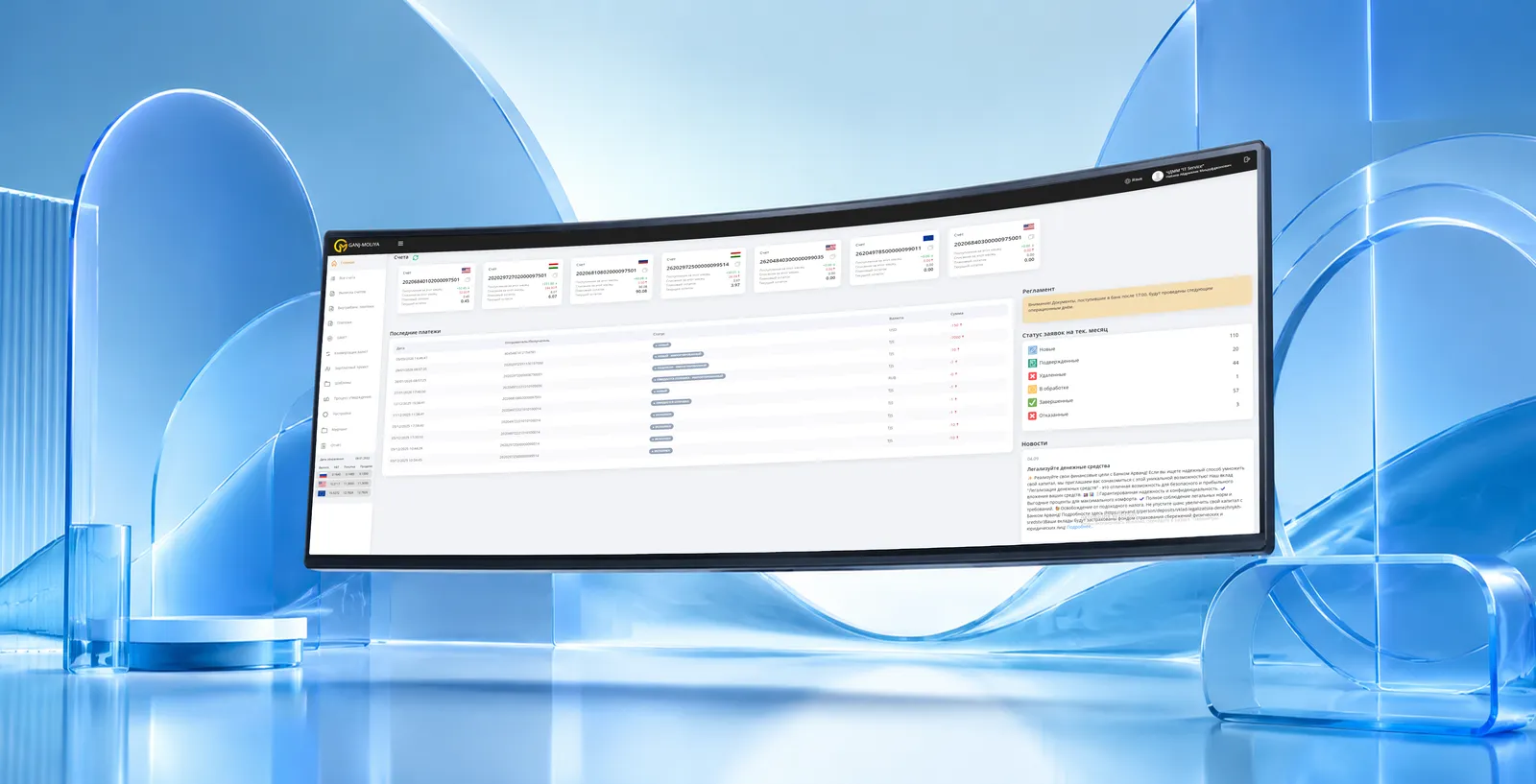
A full-featured personal account in the browser: accounts and statements, transfers and payments, online applications and requests. It complements the mobile bank for clients who prefer to work on a large screen.
Internet bank — FintechStan's client web channel. It is a personal account where the client sees balances and statements, makes transfers and payments, orders certificates and applies for products — without visiting a branch and with the convenience of a large screen.
Like the mobile bank, the internet bank runs on top of the MFSys core: data is unified with the rest of the system, and the statuses of operations and applications update in real time. The web channel is especially in demand among corporate and active retail clients.
The interface adapts to the organization's brand and product set. Multi-factor authentication, permission separation for corporate users and export of statements in common formats are supported.
Viewing accounts, balances and history, exporting statements in convenient formats.
Internal and external transfers, bill payments, templates and recurring payments.
Online product applications, ordering certificates, requests to the bank.
Permission separation and confirmation of operations for corporate users.
Multi-factor authentication, session control, confirmation of operations.
Unified data and statuses through integration with MFSys.
We define the segments, products and web-office scenarios.
We brand the interface and configure the products and roles.
We connect to MFSys and payment services and test security.
We open access to clients, train support, and provide ongoing support.
Request a demo — we'll walk through account, transfer and online-application scenarios in the web office.